CANDLELIGHT DSP / AUDIO PLUGIN

CANDLELIGHT DSP / AUDIO PLUGIN

TaleGrain

TaleGrain

TaleGrain

Granular echoes, textures, and soundscapes. A tactile audio effect for the space between notes.

Granular echoes, textures, and soundscapes. A tactile audio effect for the space between notes.

Granular echoes, textures, and soundscapes. A tactile audio effect for the space between notes.

$19.99

$24.99

INTRO PRICE

Checkout opening shortly

macOS • AU + VST3

Windows • VST3
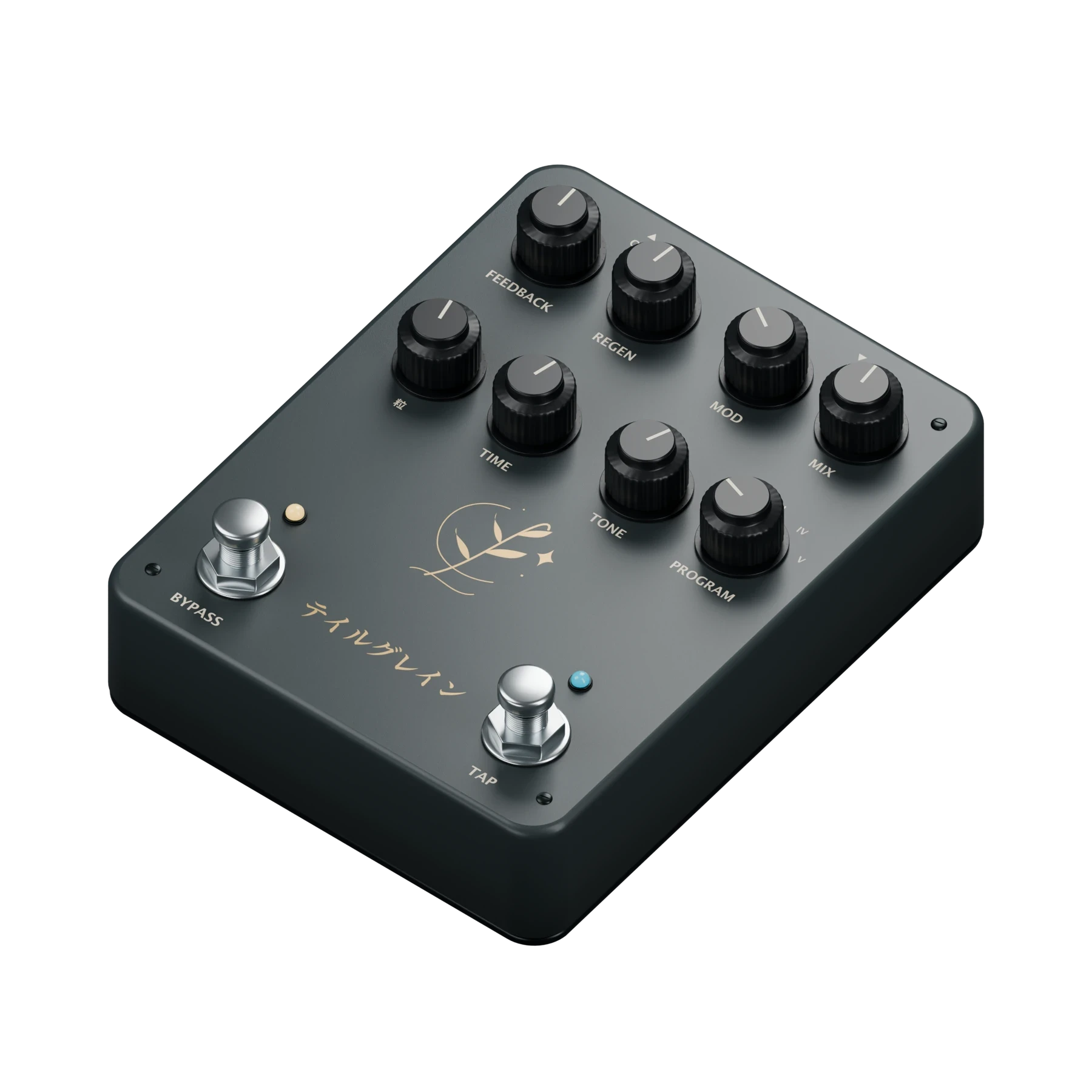
TaleGrain, a software audio plugin represented as a physical pedalOn desktop, drag or use arrow keys to explore. Home resets the view. Tap or click either moving footswitch for a visual response. On touchscreens, scroll normally and tap controls. This visual model does not process audio.

FIVE DISTINCT PROGRAMS

PRE FUZZ / GRANULAR NETWORK / POST EQ

MONO + STEREO

TACTILE BY DESIGN
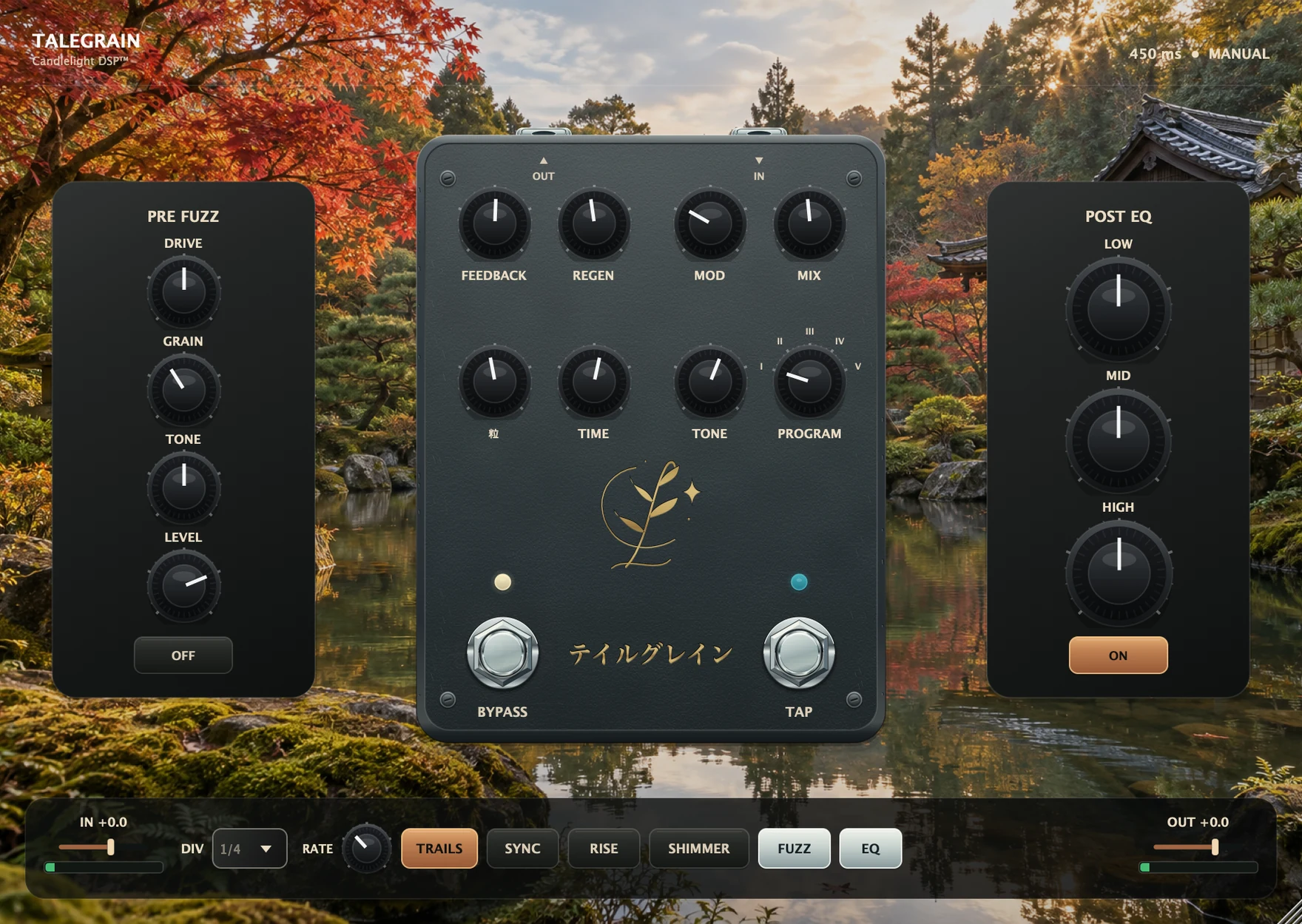
Hardware character. Inside your DAW.

Hardware character. Inside your DAW.

Hardware character. Inside your DAW.

This is TaleGrain 1.0.0 - the software interface you will open in your DAW.

This is TaleGrain 1.0.0 - the software interface you will open in your DAW.

Actual TaleGrain 1.0.0 software interface with pre fuzz, granular controls, post EQ and input/output gain, on the approved Japanese garden background

01 / BEFORE

Pre Fuzz

Dirty the source before it reaches the granular network.

02 / SHAPE

Granular Network

Balance time, grain, feedback, regeneration, movement and tone.

03 / FINISH

Post EQ

Shape the final low, mid and high balance after the effect.

The approved TaleGrain Japanese garden environment with autumn foliage, pond, and traditional roofline

AN OPEN SPACE FOR SOUND

Let the notes wander.

Let the notes wander.

Let the notes wander.

Delay and granular stages turn a played phrase into backward blooms, pitched echoes, and fractured textures. Shape the grain and find the space around the notes.

Delay and granular stages turn a played phrase into backward blooms, pitched echoes, and fractured textures. Shape the grain and find the space around the notes.

55–1600 ms manual time

Tap tempo + host sync

Mono and stereo signal paths

HEAR TALEGRAIN

Hear what unfolds.

Hear what unfolds.

Hear what unfolds.

Guitar, synth, and drums. Switch between Dry and TaleGrain at the same moment.

Guitar, synth, and drums. Switch between Dry and TaleGrain at the same moment.

Guitar

Through TaleGrain
00:00—:—

FIVE PROGRAMS

Five directions. One instinct.

Five directions. One instinct.

Five directions. One instinct.

Choose I–V to turn the physical selector and explore each program.

Choose I–V to turn the physical selector and explore each program.

TaleGrain physical product visualizationOn desktop, drag or use arrow keys to explore. Home resets the view. Tap or click either moving footswitch for a visual response. On touchscreens, scroll normally and tap controls. This visual model does not process audio.

PROGRAM I

Reverse / Reverse

Backwards delay meets backwards grains. Move from soft reverse blooms toward fractured, stuttering textures as the grain amount rises.

Turn the selector above or choose a program.

TaleGrain physical product visualizationOn desktop, drag or use arrow keys to explore. Home resets the view. Tap or click either moving footswitch for a visual response. On touchscreens, scroll normally and tap controls. This visual model does not process audio.

PROGRAM I

Reverse / Reverse

Backwards delay meets backwards grains. Move from soft reverse blooms toward fractured, stuttering textures as the grain amount rises.

Turn the selector above or choose a program.

TaleGrain physical product visualizationOn desktop, drag or use arrow keys to explore. Home resets the view. Tap or click either moving footswitch for a visual response. On touchscreens, scroll normally and tap controls. This visual model does not process audio.

PROGRAM I

Reverse / Reverse

Backwards delay meets backwards grains. Move from soft reverse blooms toward fractured, stuttering textures as the grain amount rises.

Turn the selector above or choose a program.

BEYOND ONE INSTRUMENT

Built for more than guitar.

Built for more than guitar.

Built for more than guitar.

G

Guitar

Send a single phrase backward, upward, downward or outward into a playable bed of repeats.

S

Synth

Give pads, keys and sequences pitch movement, diffusion and new rhythmic edges.

D

Drums

Fracture hits into granular accents and stutters, or let a rhythm dissolve into space.

TaleGrain physical product representation—software audio plugin

TALEGRAIN 1.0.0

Make room for a different echo.

Make room for a different echo.

Make room for a different echo.

$19.99

$24.99

Checkout opening shortly

COMPATIBILITY

Ready for the session.

Ready for the session.

Ready for the session.

Install the format your DAW needs, rescan, and open TaleGrain on an audio track.

Install the format your DAW needs, rescan, and open TaleGrain on an audio track.

Install the format your DAW needs, rescan, and open TaleGrain on an audio track.

macOS

macOS 12 Monterey or later
Apple silicon and Intel

AU + VST3

Windows

Windows 10 version 1607 or later
Windows 11 • x64 / x86

VST3 · x64 / x86. Windows on ARM is not supported.

Installation

Installation

Use the supplied installer for your platform, then let your DAW scan for new plug-ins. The manual includes the full installation and troubleshooting steps.

Use the supplied installer for your platform, then let your DAW scan for new plug-ins. The manual includes the full installation and troubleshooting steps.

PURCHASE & SUPPORT

The practical details.

The practical details.

The practical details.

Which version should I install?

On macOS, use AU for Logic Pro or VST3 for a VST3 host. On Windows, TaleGrain is supplied as VST3.

Can TaleGrain follow my project tempo?

Yes. Use host sync and choose a note division, or leave sync off and use manual time or tap tempo.

Does TaleGrain work on mono and stereo tracks?

TaleGrain supports mono to mono, mono to stereo, and stereo to stereo signal paths.

Where can I get help?

Start with the TaleGrain manual. If you still need help, email support@candlelightdsp.com.
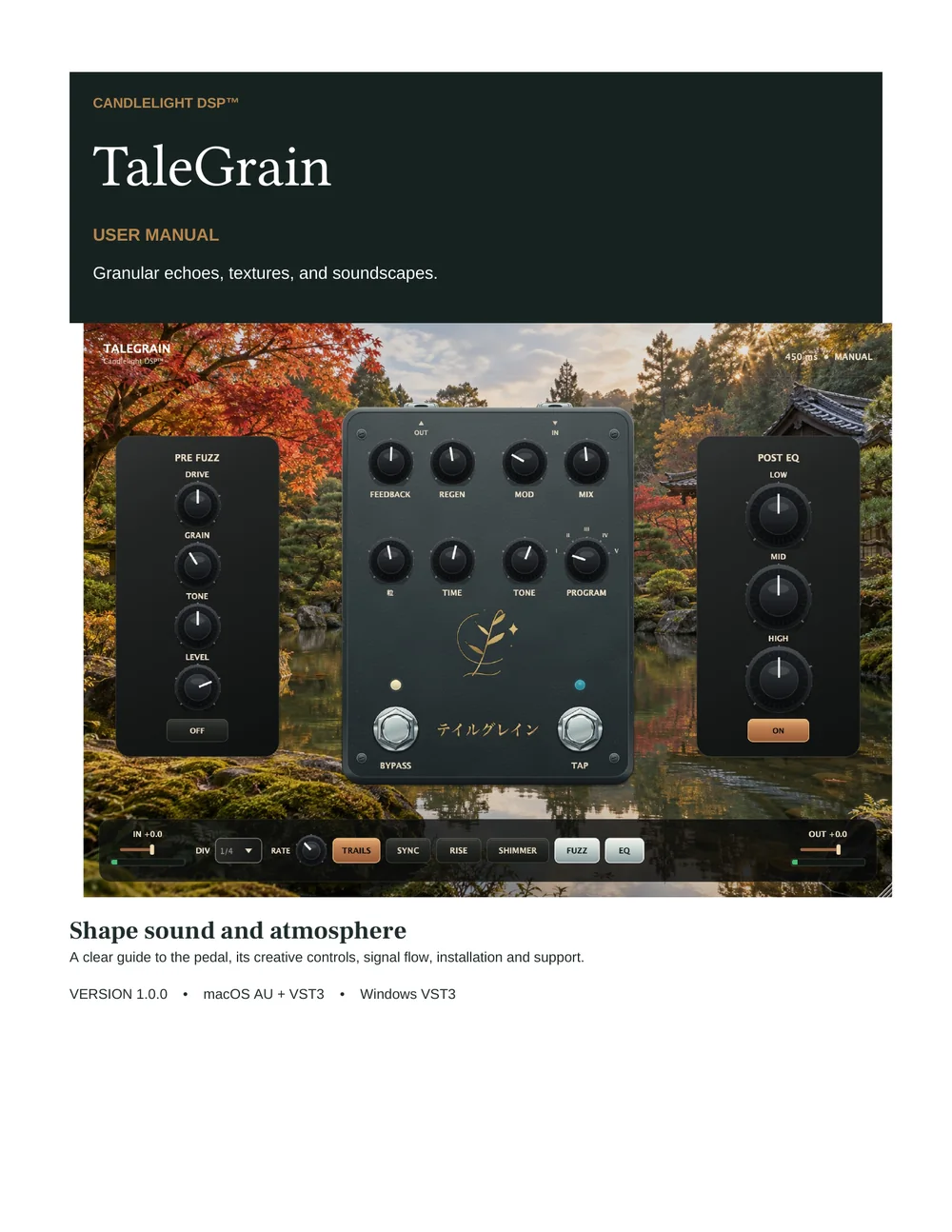
Cover of the TaleGrain 1.0.0 user manual

MANUAL & SUPPORT

Everything you need to start shaping sound.

Everything you need to start shaping sound.

Everything you need to start shaping sound.

The TaleGrain 1.0.0 manual covers installation, every control, all five programs, tempo modes, signal flow, and troubleshooting.

The TaleGrain 1.0.0 manual covers installation, every control, all five programs, tempo modes, signal flow, and troubleshooting.

support@candlelightdsp.com

CANDLELIGHT DSP™

Boutique sound tools for musicians and producers.

© 2026 Candlelight DSP